
Built for Thumbtack pros · Android & iPhone
Start your 7-day trial.
Get LeadReply for iPhone or Android. Let AI handle Thumbtack conversations while you work, and take over when you are ready.


No credit card required. Connect your Thumbtack business to start.
GET STARTED
Get started in three steps
01 · INSTALL
Install and create your account
Download LeadReply from your app store, then create your account.
02 · CONNECT
Connect Thumbtack
Connect your Thumbtack business to bring leads into LeadReply and begin your eligible 7-day trial.
03 · REVIEW
Make the AI yours
Add your business details and reply rules. Use AI Improve to refine them, review the suggestions, and save your settings.
After the trial, continue on Free with its included limits or choose a paid plan in the app. No paid subscription starts unless you choose one. Trial questions →
BUILT FOR REAL WORK
More ways to manage your leads
INSTANT CALL CONNECT
New lead? Your phone rings.
Enable Instant Call Connect. Answer the LeadReply call, hear the job details, and press 1 to connect with the customer.
You speak with the customer. Calls depend on your setup and calling hours.
SMART FOLLOW-UPS
Re-engage quiet leads
Send natural reminders based on the latest conversation, with up to three follow-ups per conversation. Follow-ups pause when the customer replies or you take over.
SEND LATER
Write now. Send later.
Schedule a Thumbtack text message for a time you choose. Edit it, send it now, or cancel it before sending starts.
Available on Pro and Enterprise. If the conversation changes, the message may need your review.
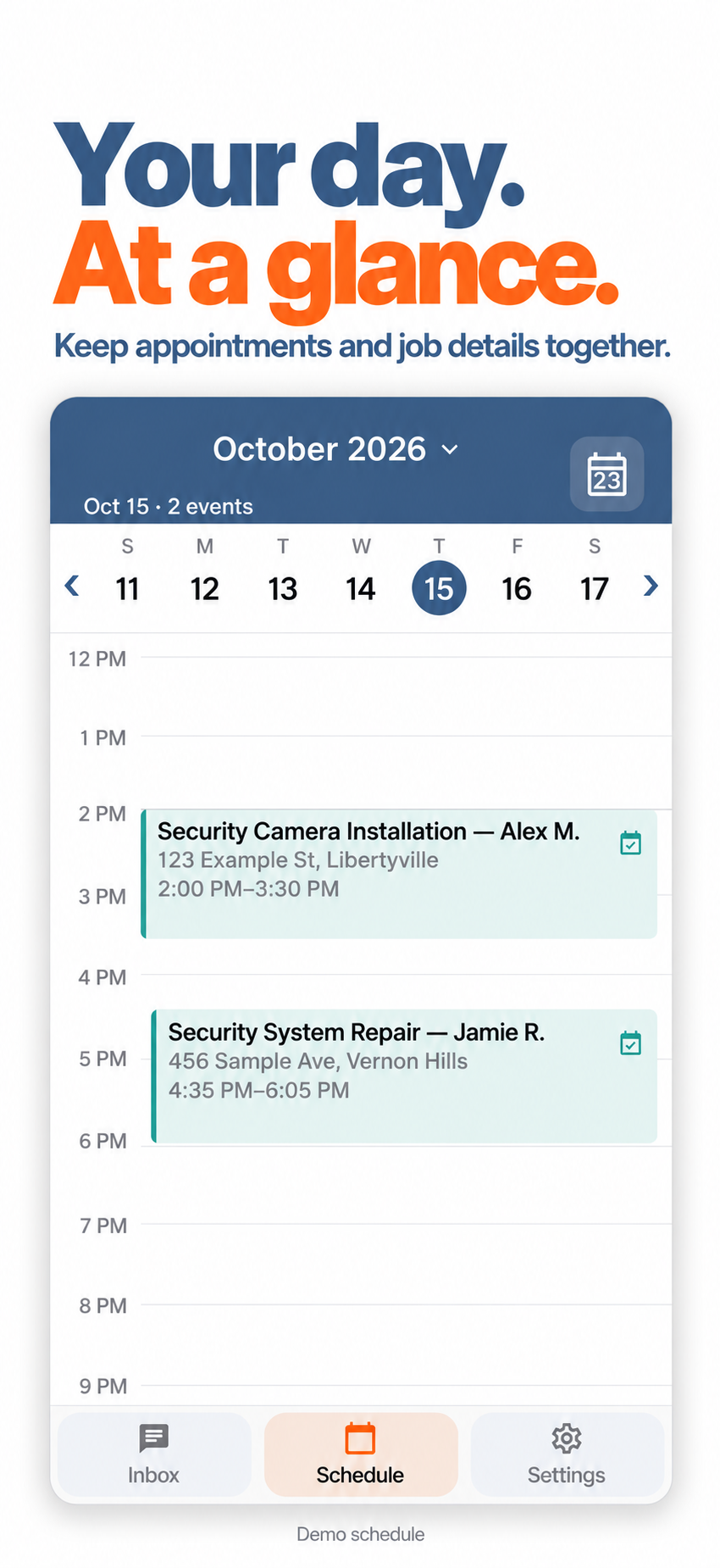
From conversation to your next visit
The Schedule tab brings your appointments into one daily view. Open the details, jump back into the chat, or get directions to the service address.
Connect Google Calendar to check your availability and create, update, or cancel linked appointment events from LeadReply. You confirm the visit; this is not automatic two-way synchronization. Features depend on your plan and settings.
When you take over: type or dictate an instruction in your language. Reply Assistant prepares a reply using the conversation. Review it and send. See a real example →
Prefer a browser?
Need help getting started? Read the FAQ or get help.